












We're raising money for the Isle of Wight Branch of the MND Association
Keeping you updated
Rouse Limited’s guide to understanding AI in everyday life
We talk about AI in very casual terms, and it’s been with us for longer than many realise, so at this point it might be difficult to ask the basic questions: ‘what is it exactly?’ And ‘how does it affect me?’. We hope to rectify any information gaps with our straightforward guide for anyone who wants to understand the essence of what AI is and how it might impact our lives, including financial planning!
It’s really just an everyday tool: remember when we were all amazed by a calculator?! This guide aims to break down the technicalities of AI and explain how it works in daily life and how you can use it safely.
AI is simply software that can learn patterns and make suggestions. It can read, write, talk, or recognise things like voices or faces. For example, if you have a smart speaker, you’re using AI!
But it’s not a new kid on the block: in the 1950s, scientists started dreaming of computers that could ‘think’. Fast-forward to the 1980s and ‘90s and computers became part of daily life. Not just in offices and tech industries: think about the first supermarket scanners at the tills that could read barcodes. By the 2000s AI was appearing in mobile phones and websites (Ask Jeeves, Google search, Amazon recommendations) and today, AI can write, draw, translate and even drive cars.
So how can it help you day-to-day: you might not have a driverless car yet, but your car already uses AI to help with parking and emergency braking. If you travel abroad, you might use a translation app.
Alexa and Siri are all examples of everyday devices that are using AI to help you, whether you’re asking about the weather or what to have for dinner. You just have to remember how they like to be addressed!
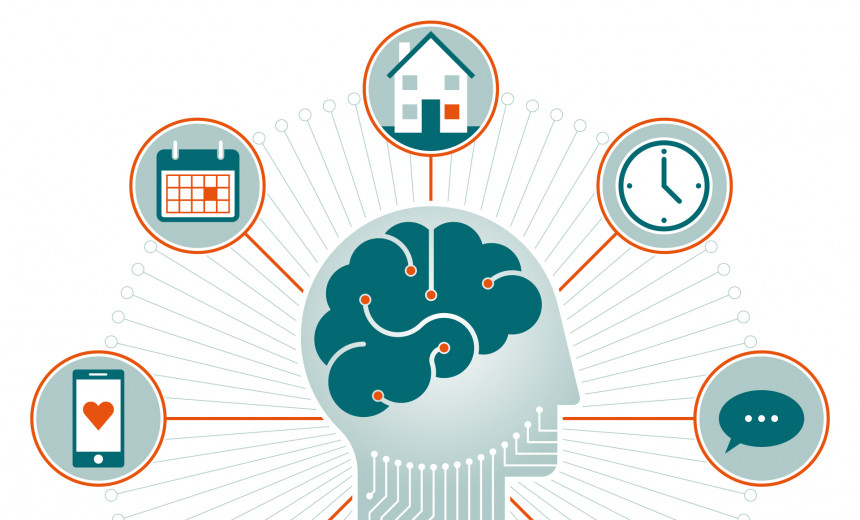
From smart thermostats and security cameras to medication reminders, sleep and tracking your movement (or your blood sugar levels with a diabetes app) we are all living with AI – and, mostly, it enhances our lives.
Common concerns
Will it take over? No, AI is a tool not a human replacement.
Is it safe? Yes, if used carefully. Be cautious about scams and never share personal information such as bank details (even if you think you know to whom you’re speaking).
Is it difficult? No, if you can ask a question, you can use AI!
Using AI the smart way – to help you day-to-day
Try asking simple questions, use it as a prompt, or check if an unsolicited email is a scam. AI can search the web and respond in seconds.
Do’s and don’ts
Do:
Don’t:
The road ahead: AI will become more common, just as the internet or smartphones did. You don’t have to understand how it works – you just need to know it’s a tool that can make life easier, safer, and more enjoyable. By starting now, you’ll stay confident and connected in the years ahead.
Key points
Have a go!
Open a free AI tool (ChatGPT, Bing AI, or Google Gemini). You can download it onto your phone from your ‘app store’, or search for it on your computer.
Don’t sign up for a paid account, there are plenty that offer free AI with limited use.
Type a simple question and see what it comes back with.
Safe (free) AI tools to try:
Google Translate: translate text or speech instantly.
Speechify (free version): reads text aloud.
Medisafe: medication reminders.
Bitdefender Free Antivirus: protects from scams.
Canva (free AI tools): design birthday cards, posters, and invitations.
Bing AI/Copilot: free AI search and chat built into Microsoft Edge.
Frequently asked questions (FAQs)
Can AI listen to me all the time?
No. voice assistants only activate when you say their ‘wake word’ (eg Hey Siri, or ‘Alexa’).
Is AI spying on me?
Most AI tools don’t ‘spy’ but you should avoid sharing private details such as bank numbers or passwords – if in doubt switch the device off when you’re not using it.
Do I have to pay for it?
Many AI tools are free to use. Paid versions often just give extra features.
What if I type something wrong?
That’s no problem; just ask the question again or ask for a simpler explanation.
Is AI smarter than humans?
No, it’s just faster at finding information. It can only search information that is already on the internet and present it to you. It can’t make judgments or choices on your behalf.